

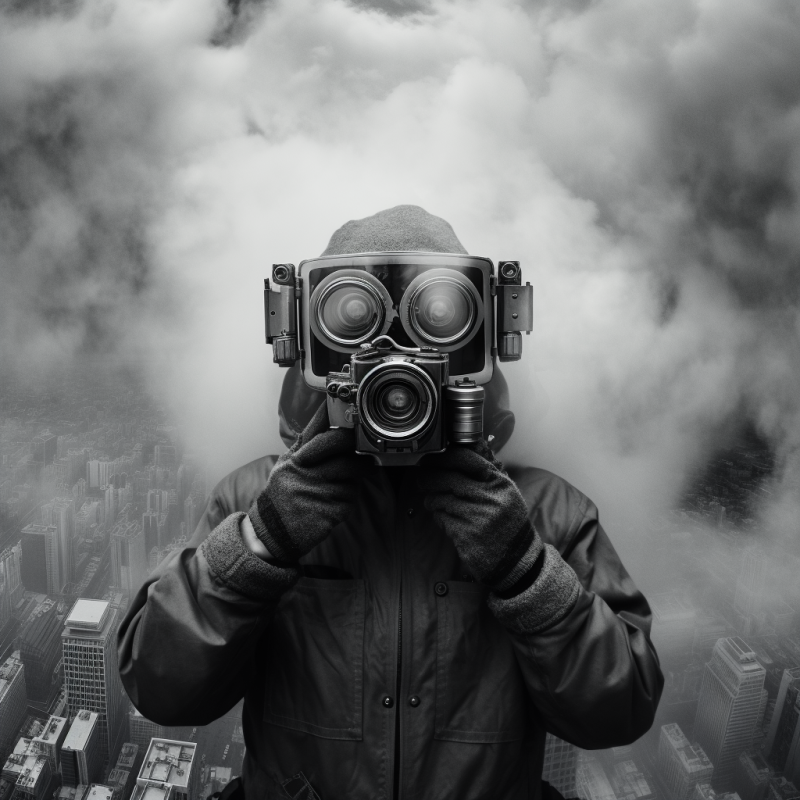
2023 has been the year generative artificial intelligence exploded onto the scene, sparking widespread debate among visual content creators about what it means for the professional work of designers, illustrators, digital artists, photographers and more.
So, what exactly is generative AI? Simply put: an AI model is trained to create content from scratch based on a given instruction — usually written text. These text instructions are commonly known as "prompts".

A number of AI image-generation platforms have risen to prominence. Among the most well-known are Midjourney, Dall-e and Stable Diffusion. All of them require you to generate images and then download them for direct use or to incorporate into a specific project.
In the midst of this revolution, Adobe has introduced generative AI into Photoshop. The feature is still in Beta, but it's already available to try. The big advantage is that you can now use Adobe's AI directly while editing photos in Photoshop, which not only streamlines the workflow but opens up exciting new possibilities for blending camera-captured images with AI-generated ones.
In the video below, I share a quick look at some of the possibilities this new feature offers — one that will almost certainly make its way into the official version of Photoshop in the near future.
Published in Videos, Articles, News, Photographic Technology
Subscribe to our newsletters
The latest news, articles and resources sent to your inbox weekly.


Comments
Be the first to comment
Leave a comment